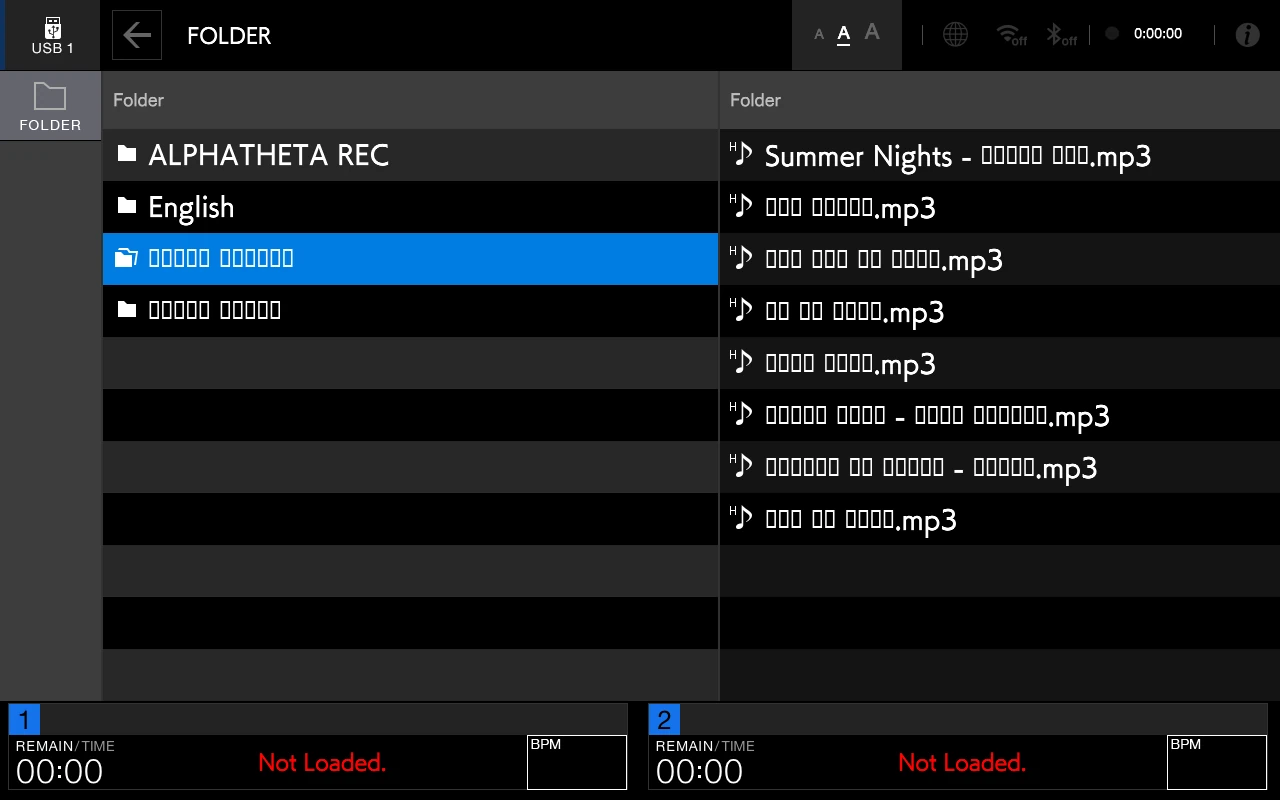
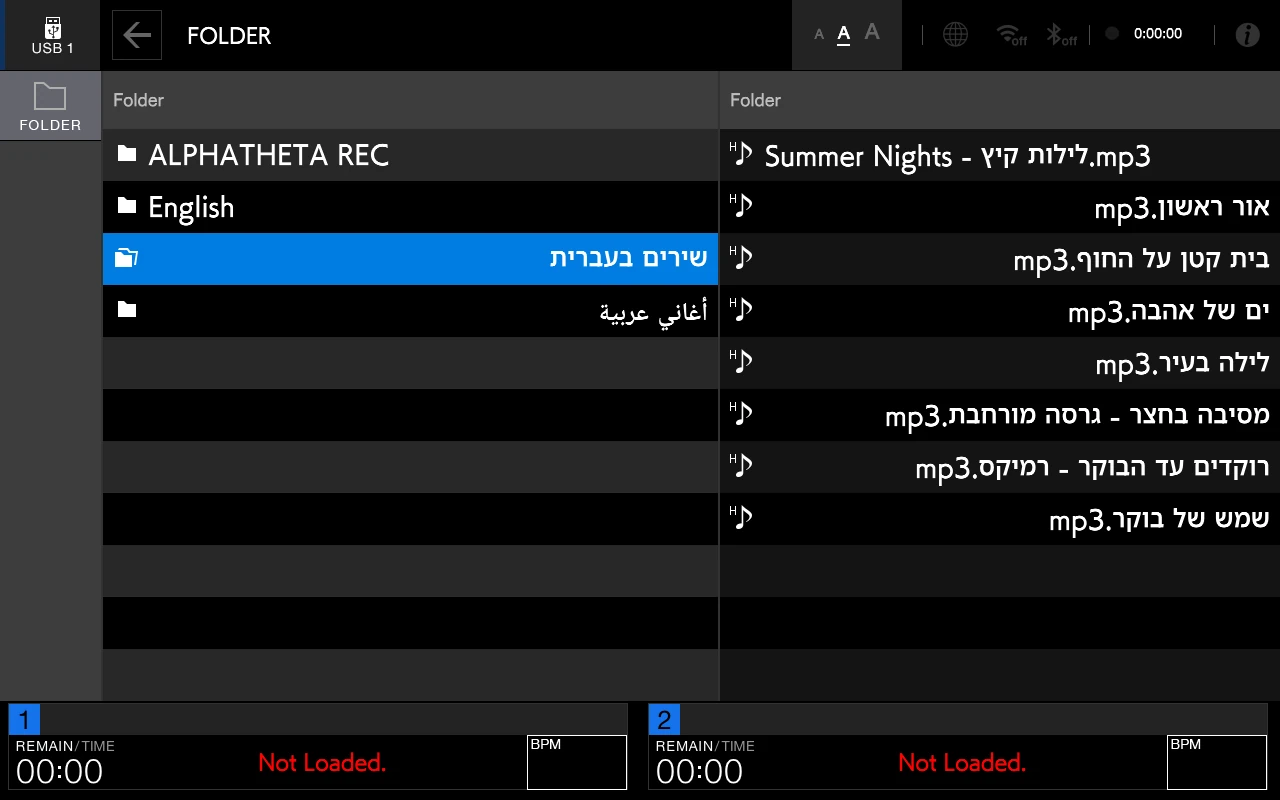
Hebrew and Arabic titles, done right
Songs, artists and folders in their own letters, right to left, and Arabic with its letters joined. No gibberish, no boxes.

Song titles, artists and folders in Hebrew and Arabic, in their own letters and right to left. And a search keyboard in Hebrew, Arabic and English, right on the player's screen.
A licence for your playerworks offlinewithout the stick the player is exactly as usual
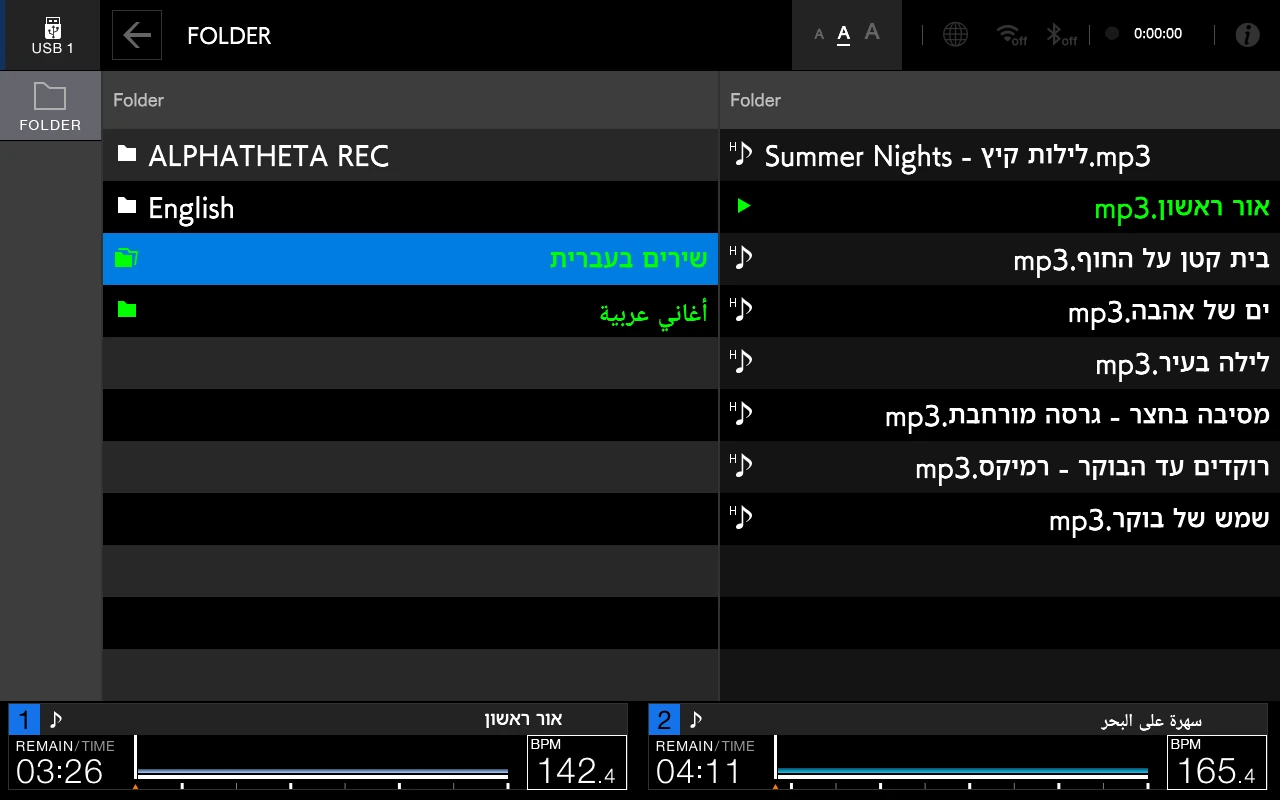
The same folder on the same player: one side without the USB stick, the other side with it. And on the keyboard you can type on the screen, just like on the player.
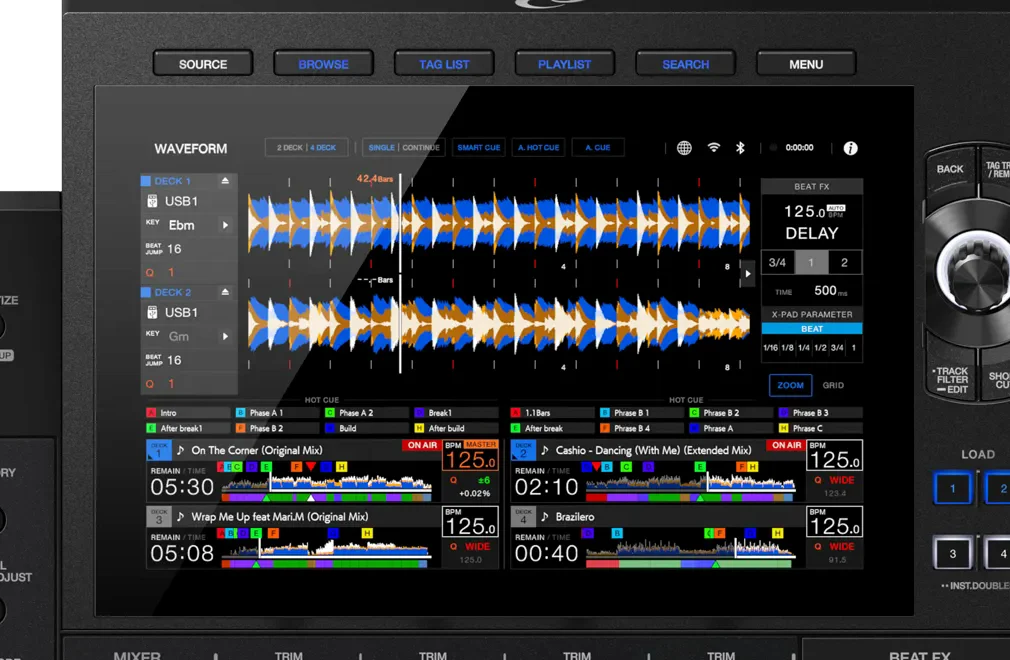
Screenshots from the real player software of the XDJ-AZ, with the add-on.
Songs, artists and folders in their own letters, right to left, and Arabic with its letters joined. No gibberish, no boxes.
Hebrew in the standard layout, Arabic as on a computer keyboard, and English. Beside the space key: Hebrew ⇄ English and Arabic ⇄ English.
A long press on a key gives its second form. The 123 key opens numbers and symbols, and a long press on delete clears everything.
The first time you search, choose Hebrew, Arabic or both. English is always there, and you can change it any time.
Locked to your player's serial number and working offline.
Three steps, and no computer at the player.
Download your package from the customer area and copy what is in the COPY-TO-USB folder to the top level of a USB stick - the one with your music is fine.
Plug the stick into the player. A few seconds of the loading screen, and the player is up with the add-on.
Titles show in Hebrew and Arabic, and the keyboard waits in search. Without the stick the player is back to normal.
The video: installed in a minute · A short video, no sound.
The same add-on, the same keyboard and the same look on every player.
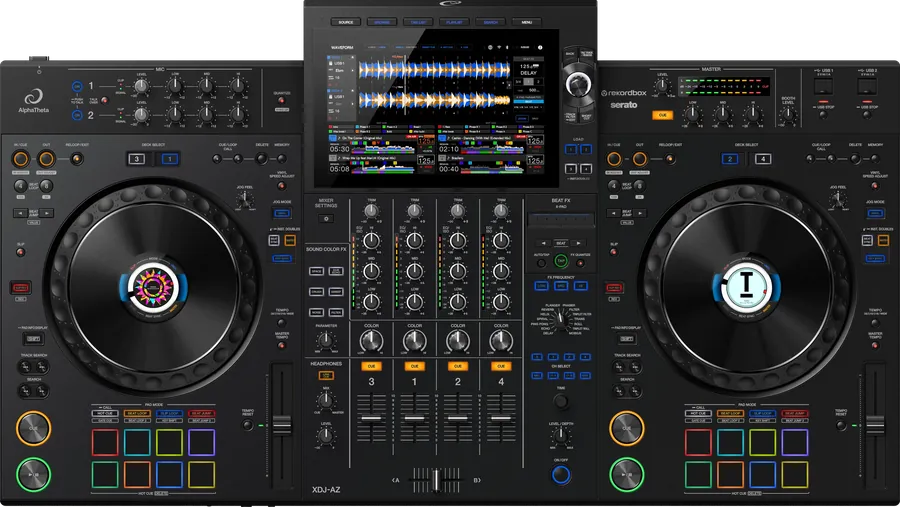
₪600
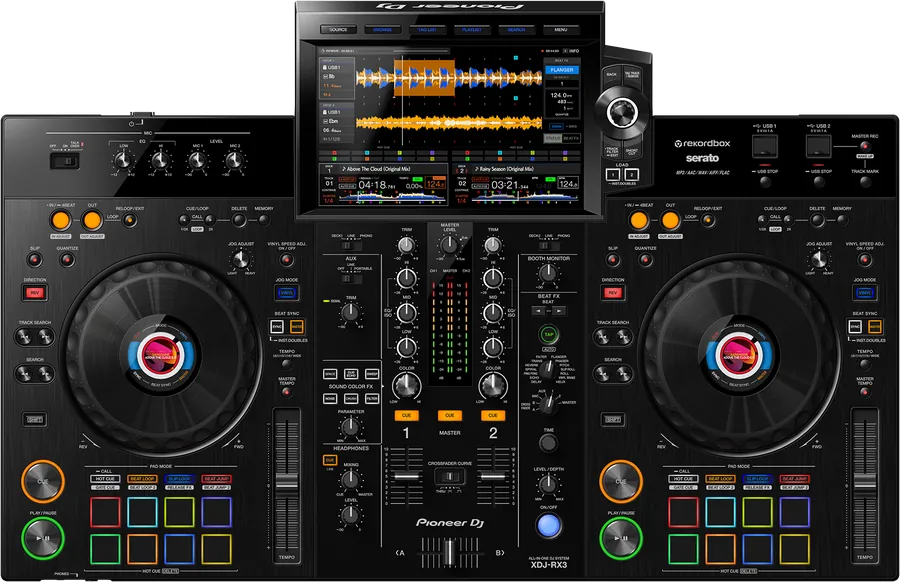
₪600
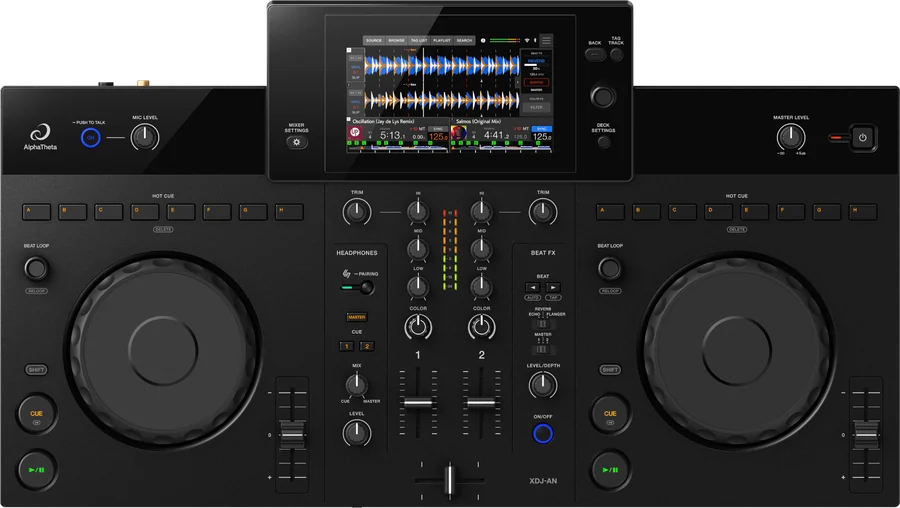
₪600
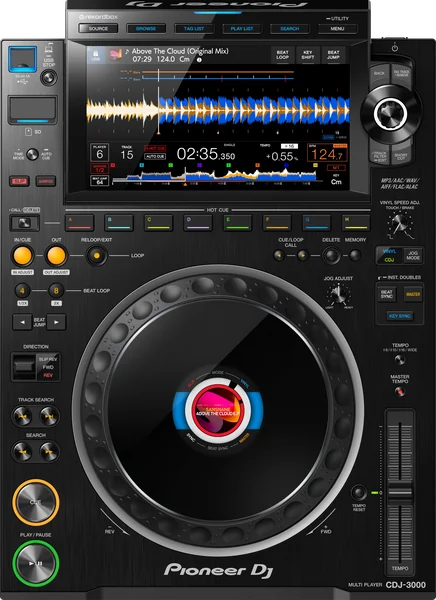
₪600
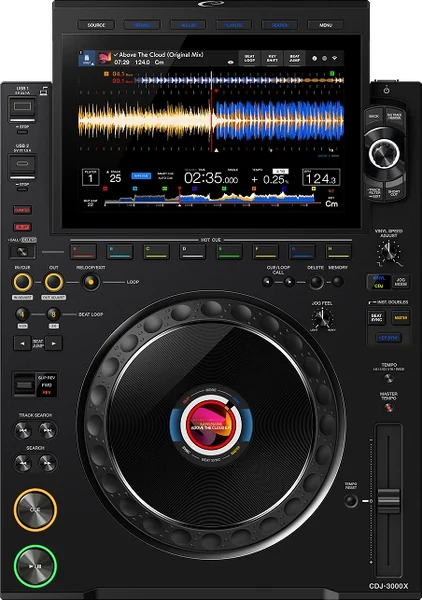
₪600
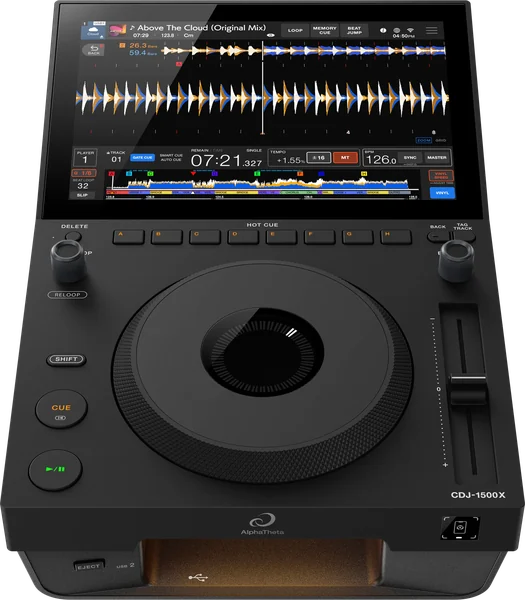
₪600
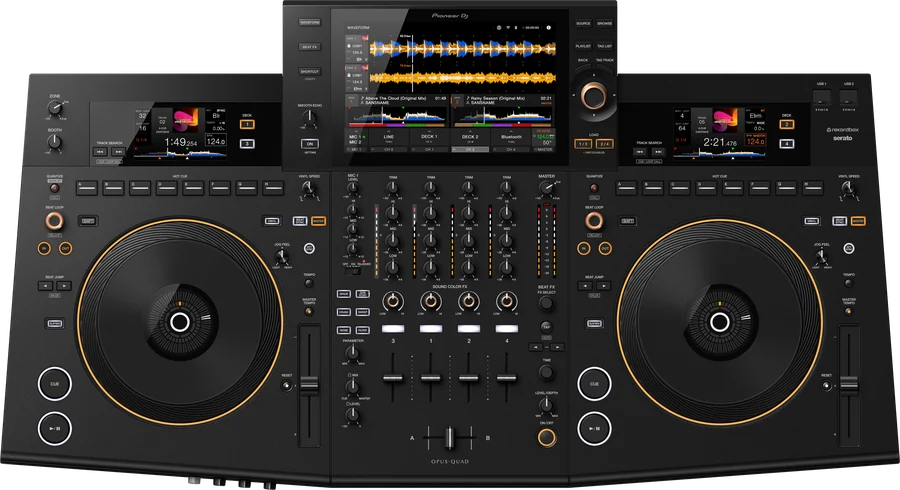
₪600
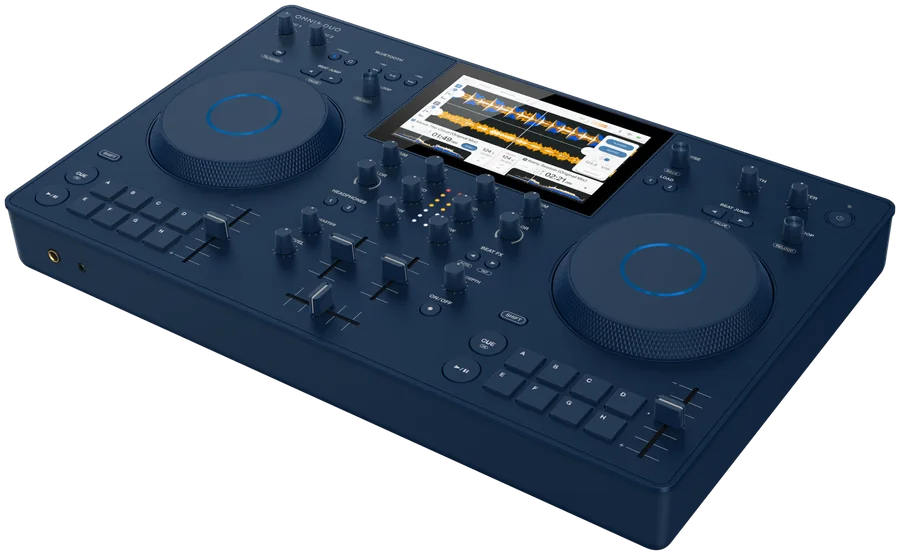
₪600
A personal licence for one player, locked to its serial number.
₪600 per player
The players marked "Supported" above. We are working on the others - register now and we will let you know when yours is ready.
In the player's UTILITY screen. If it is not one the add-on is for, we will tell you what to do before a licence is issued. Do not update the firmware before checking with us.
Yes. The files go to its top folder and your music stays as it is. Some players need the stick in FAT32; the exact instructions come with the package.
The player starts exactly as usual. The add-on works only with the stick that carries your licence.
If the player is already on, yes: it restarts with the add-on (the XDJ-AZ asks first) and whatever is playing stops. So plug the stick in before you switch the player on, or at least before you start playing.
No. The add-on shows the titles (songs, artists, folders) in Hebrew and Arabic and gives a keyboard in three languages. The player's menus stay as they are.
The licence is written for your player's serial number and works on it alone. The photo helps us make sure the number is right before the licence is issued - it cannot be changed afterwards.
The licence belongs to the player, so it goes with the player to its new owner. Talk to us and we will move the registration.
Register with your player's serial number. We check it and send you the sign-in details for the customer area.
₪600 per player